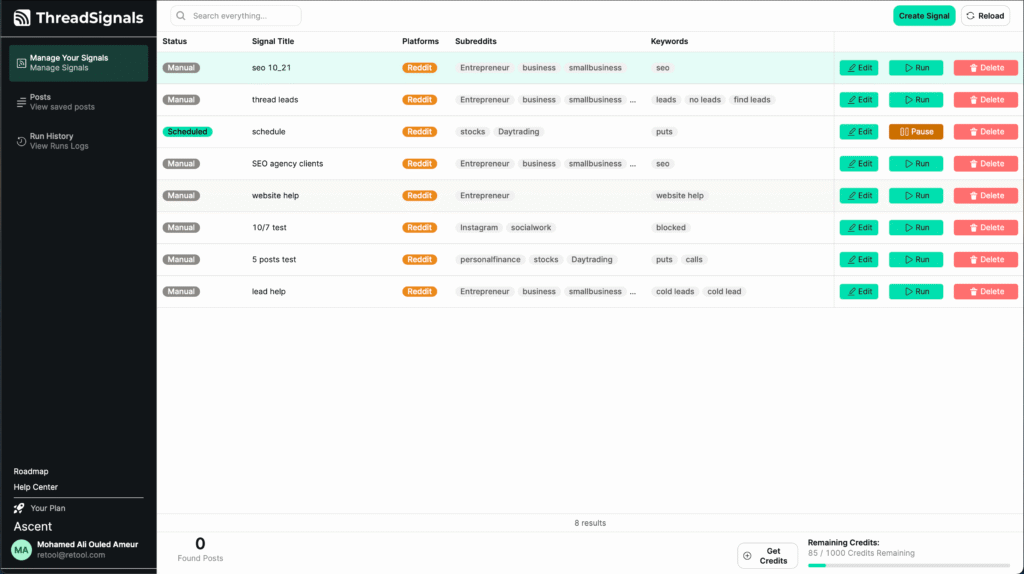
If you encounter a bug, error, or something that doesn’t seem to be working as expected inside ThreadSignals, we want to know about it.
You can report issues directly through your dashboard, our public roadmap, or by contacting support—so we can investigate and resolve them as quickly as possible.
1. Report a Bug Through the Roadmap
The fastest way to share feedback or report a bug is through our Roadmap.
Open the Roadmap tab from the left-hand menu in your dashboard.
Click “Submit a Feature or Bug Report.”
Select “Bug Report” from the options.
Describe the issue in detail—include what you were doing, what happened, and any steps to reproduce it.
Once submitted, our team will review the report, update its status, and post any progress or fixes directly on the roadmap.
2. Use the Chatbot in Your Dashboard
You can also use the built-in ThreadSignals Chatbot located in the bottom-left corner of your dashboard. It’s available 24/7 and can:
Answer questions about how the app works
Walk you through troubleshooting steps
Help you report technical issues directly to our team
If the chatbot can’t resolve your issue automatically, it will forward your message to our support team for review.
3. Contact Support by Email
If you prefer, you can always reach out to our support team directly at support@trythreadsignals.com. Include as much detail as possible in your message, such as:
What page or feature the issue occurred on
A short description of what happened
Any screenshots or screen recordings that might help us identify the problem
This ensures we can resolve your issue faster and keep you updated on the fix.
Pro Tip
If you’re unsure whether something is a bug or just an expected behavior, start by asking the chatbot—it can clarify common questions instantly and save you time before submitting a report.