If you no longer need a Signal, you can easily remove it from your dashboard. Deleting a Signal is permanent, but don’t worry—your past run history and collected posts will remain available.
Where to Delete a Signal
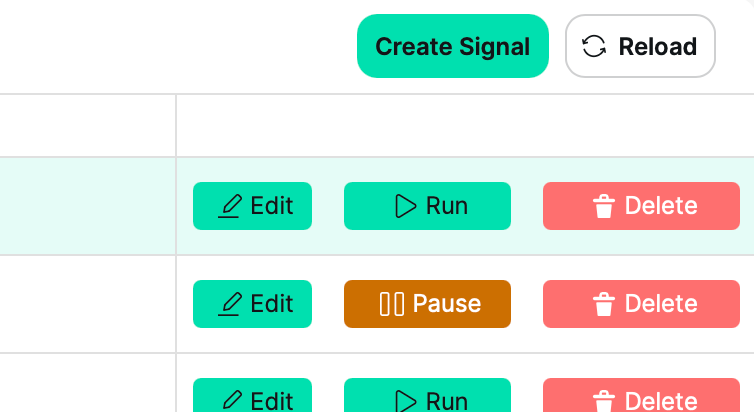
You can view all your existing Signals on the Manage Signals page. To delete a specific Signal, find it in your list and look to the far right column of that row.
For manual Signals, the Delete button appears to the right of the Run button.
For scheduled Signals, the Delete button is to the right of the Pause or Resume button.
Click Delete when you’re ready to remove the Signal.
Confirmation Prompt
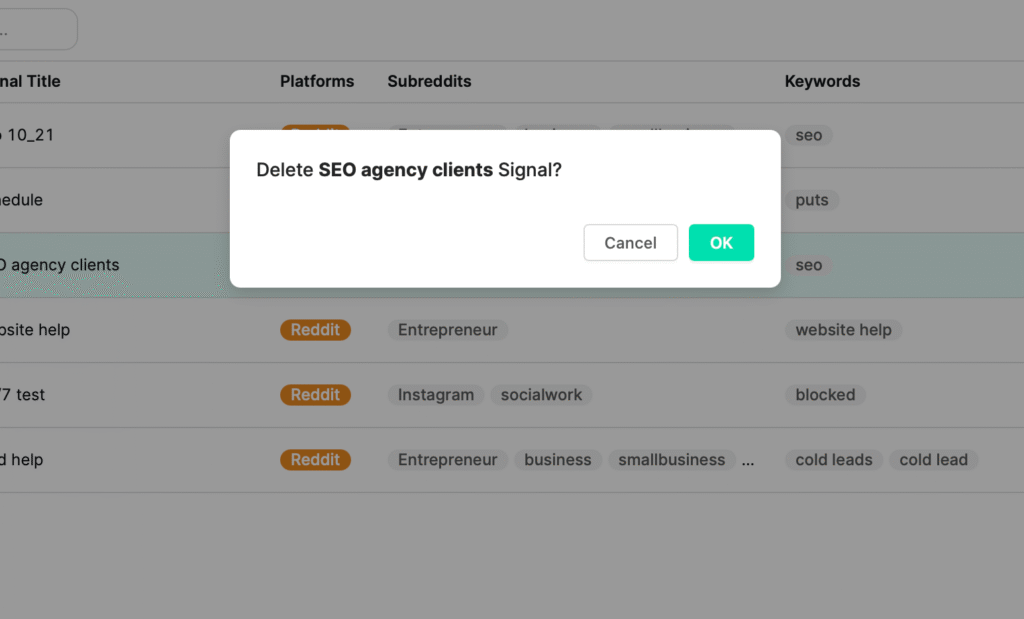
To prevent accidental deletions, a confirmation message will appear asking if you want to continue. Click OK to confirm, or Cancel to keep the Signal.
What Happens After Deletion
The Signal will be permanently removed from your dashboard.
You will no longer be able to filter or search by that Signal.
Your Run History for that Signal will remain visible for reference.
All posts collected by that Signal will stay in your Posts tab, since credits were used to retrieve them.
Pro Tip
Before deleting, consider pausing a Signal instead—especially if it’s performing well. You can always reuse the same keywords or subreddits later without starting from scratch.