Once ThreadSignals collects posts that match your keywords, you can easily review, export, and respond to them directly from the Posts section.
This is where you’ll find real leads—people actively discussing topics related to your business or services.
Viewing Leads in Your Dashboard
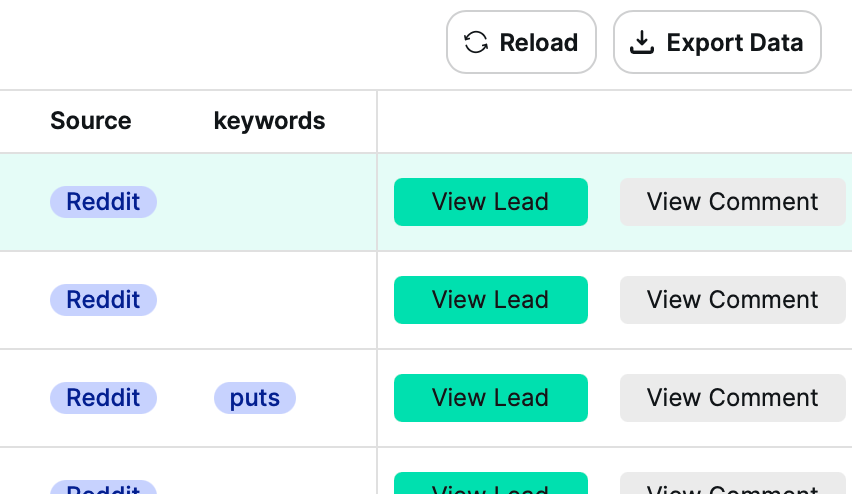
View Comment
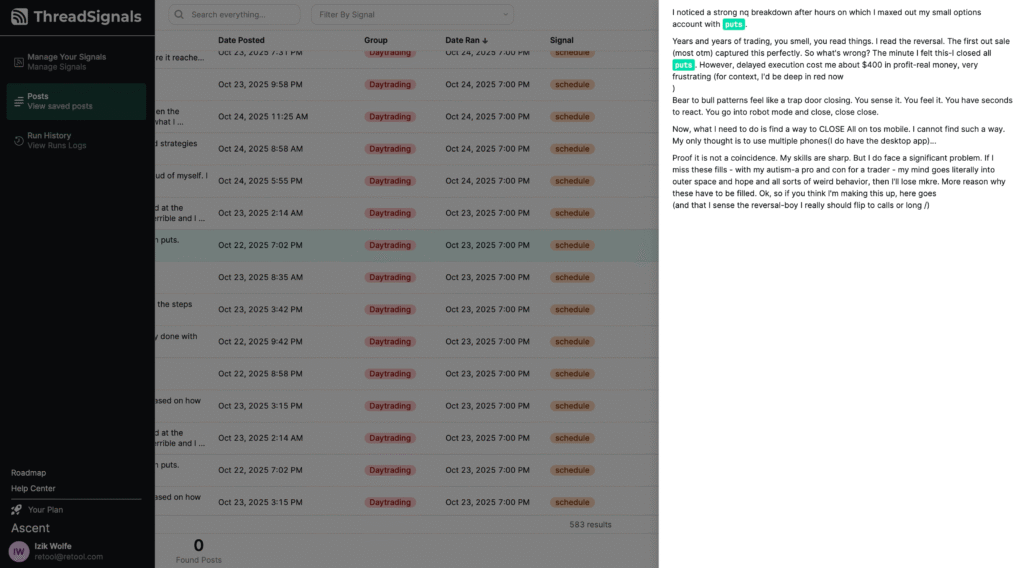
Click “View Comment” to open the full post right inside your ThreadSignals dashboard. Here, you can read the entire post with your matching keywords automatically highlighted—making it easy to see what triggered the Signal.
If a post was retrieved through partial matching, you’ll still see it in full, but only exact matches will be highlighted. In cases where no direct or partial keyword is found, ThreadSignals uses smart matching to bring in posts that align closely with your Signal’s overall intent and goals.
View Lead
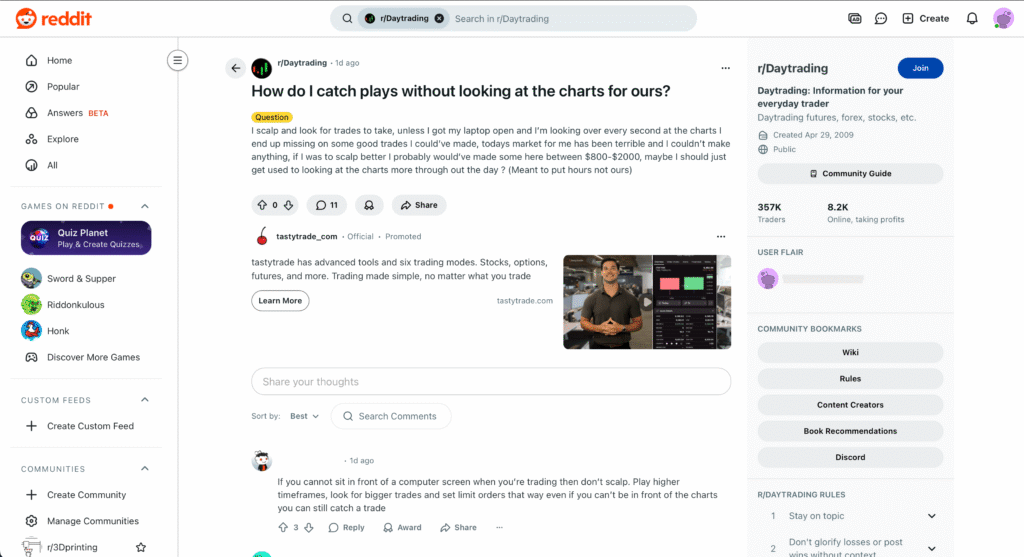
Click “View Lead” to open the original post on its source platform (currently Reddit). This opens in a new browser tab, allowing you to read the full discussion and reply directly to the user.
Responding to Leads
Replies happen directly on the source platform (e.g., Reddit). When responding, keep in mind that authentic, value-first engagement is far more effective than self-promotion.
Best Practices for Outreach
Avoid direct links in your first reply—start by offering genuine advice or answering their question.
Build trust by providing insight or help related to the problem they shared.
Once a connection is established, invite them to message you or start a private conversation to share more about your services.
Always keep responses professional and relevant to the discussion.
Exporting Your Leads
You can export your collected posts at any time as a CSV file. This makes it easy to share your refined lists with teammates, upload to outreach tools, or track your lead follow-ups.
Use the search, filter, or sort tools first to narrow down your list.
Then, export your results for targeted outreach.
Pro Tip
Always read the entire thread before replying. A well-timed, thoughtful comment can turn a casual online discussion into a qualified lead or future client conversation.