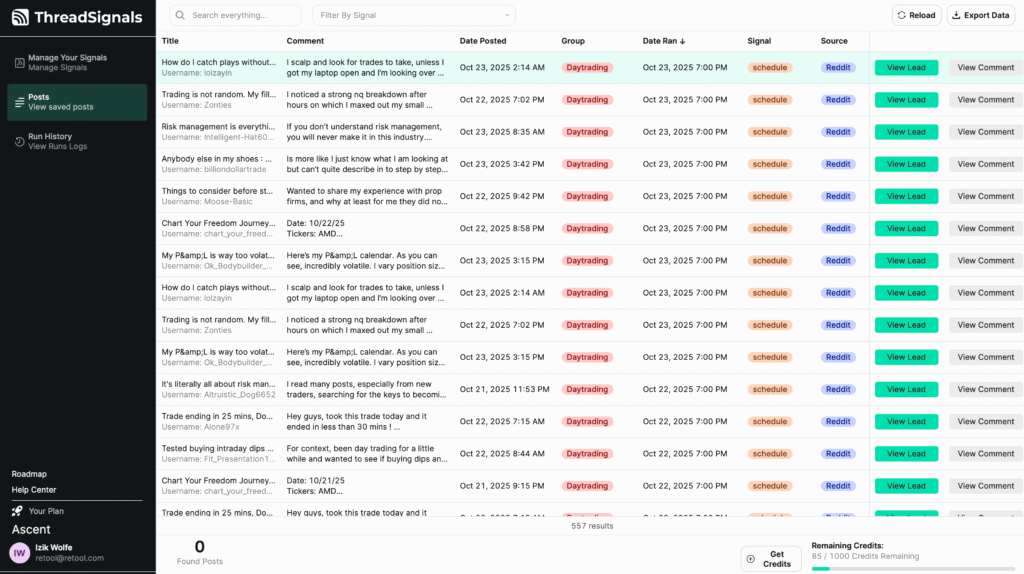
The Posts page gives you several ways to quickly find the conversations that matter most to you. Whether you want to view the newest posts, focus on specific Signals, or find posts mentioning a certain keyword, ThreadSignals makes it easy to stay organized and efficient.
Sorting Your Posts
Each column on the Posts page can be clicked to sort your data. For example, you can sort by:
Date Posted – to see the newest or oldest discussions first.
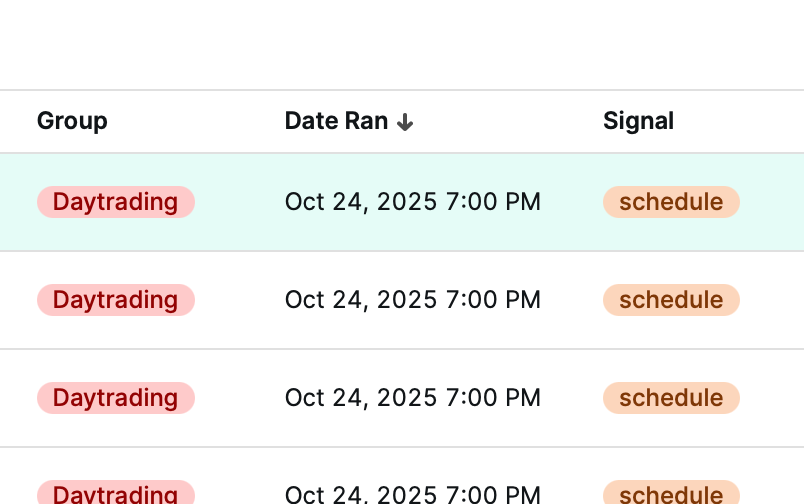
Date Ran – to view posts collected from your most recent Signal runs.
Group – to organize posts by subreddit or community.
Signal – to see which Signal collected each post.
Source – to separate by platform (currently Reddit).
Keywords – to group posts by specific matched keywords.
Click any column header once to sort ascending, and again to sort descending.
Searching and Filtering
Use the search bar at the top to find posts by title, keyword, group, Signal name, or any other text from the post. The search checks all columns, so you can quickly locate posts related to a topic, lead, or phrase.
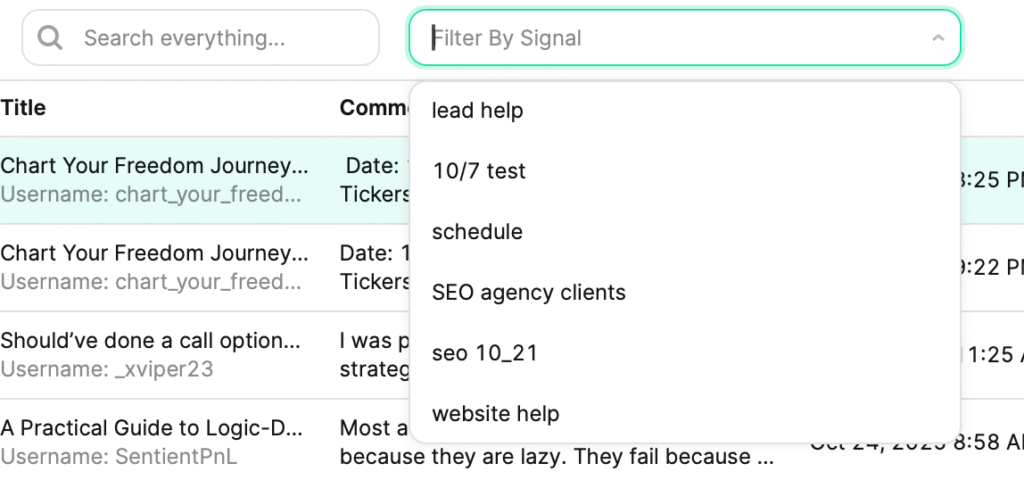
Next to the search bar, the “Filter by Signal” dropdown allows you to narrow your results to posts from a specific Signal only.
This combination makes it simple to track specific audiences or find the perfect post to engage with.
Pro Tip
If you’re managing multiple Signals or clients, use the Filter by Signal option first to focus on one campaign, then use the search bar to pinpoint the exact keyword or topic you want to follow up on.