ThreadSignals uses a credit-based system to track how many posts you can collect and how many Signals you can run based on your plan.
Each plan comes with a specific number of credits, active signals, and other limits designed to fit different types of users—from solo testers to full-scale teams.
1. What Are Credits?
Credits represent how many posts you can collect using your Signals. Each time ThreadSignals finds a post that matches your keywords, it uses one credit.
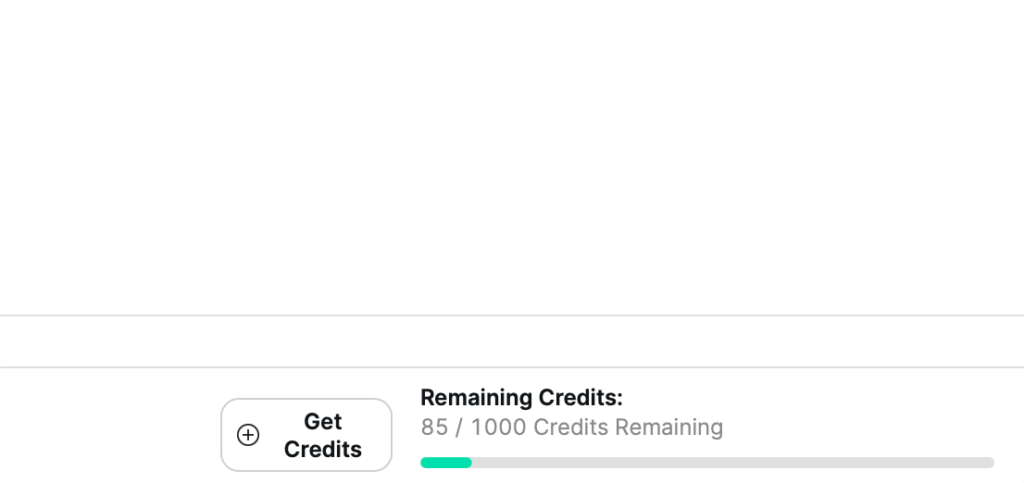
Your remaining credits are always displayed at the bottom right of your dashboard, next to your plan name.
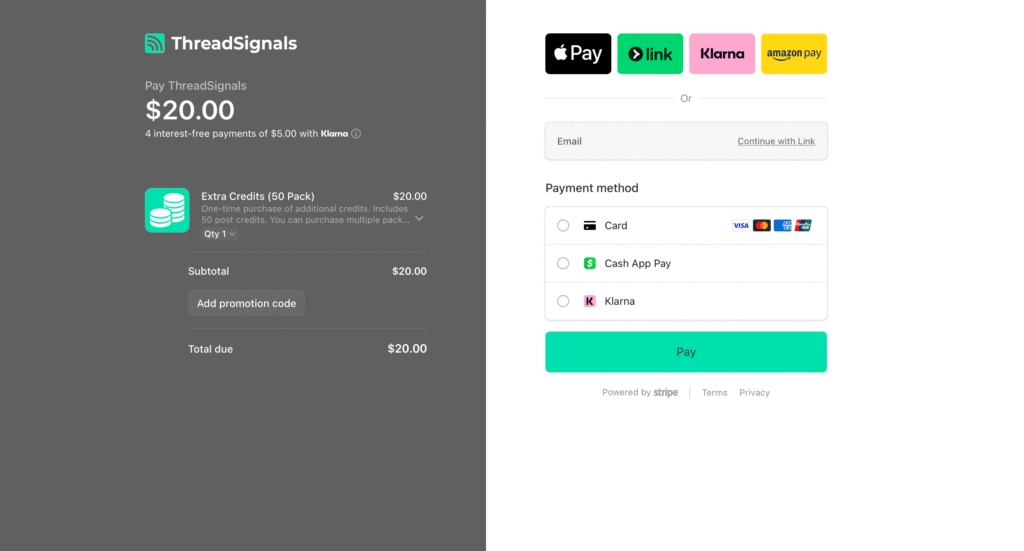
If you run out, you can purchase additional credit packs (50 per pack) directly by clicking the “Get Credits” button.
2. Plan Tiers and Limits
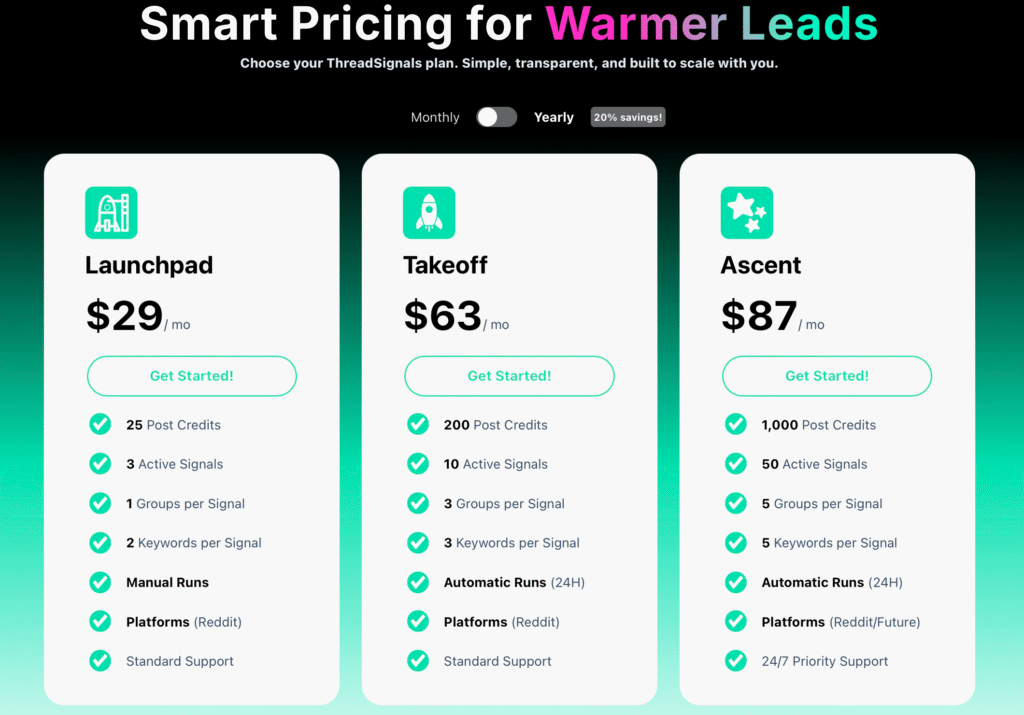
ThreadSignals offers three plan tiers—each designed for a different level of use.
Launchpad
Perfect for individuals or small teams just getting started.
Ideal for testing the platform and learning how Signals work.
Run up to 3 active Signals at once.
Collect 50 posts per month.
Run your Signals manually whenever you choose.
Designed for users exploring ThreadSignals’ potential before scaling.
Takeoff
Built for small businesses or professionals ready to find leads more consistently.
Run up to 10 active Signals with automatic daily runs.
Collect up to 200 posts per month.
Monitor multiple keywords and communities for better targeting.
Ideal for users who are already getting results and want to automate their discovery process.
Ascent (Most Popular)
Made for serious users who rely on ThreadSignals as part of their daily workflow.
Run up to 50 active Signals with automatic 24-hour runs.
Collect up to 1,000 posts per month across multiple groups and keywords.
Includes access to future platforms and priority support.
Best for agencies or teams looking to generate more warm leads than they can keep up with.
3. Upgrading, Downgrading, or Adding Credits
You can upgrade or downgrade your plan anytime from your account settings (accessible by clicking your profile in the bottom left corner).
If you run out of credits before the next cycle, you can easily purchase 50-credit packs directly from your dashboard without changing your plan.
Pro Tip
If you notice you’re consistently running out of credits, that’s a good sign your Signals are active and performing well—consider upgrading to a higher plan to unlock more automatic runs and daily scanning.